
Why it exists
Generic watch timers fail on a start line: the screen falls back to the watch face mid-sequence, wet fingers can't hit small buttons, and a missed start press can't be corrected. Regatta Timer is built around the three things that matter: the display never leaves the timer, everything works wet, and sync fixes your timing at the next gun.
🙋 Beta testers wanted
The beta is on Google Play (closed testing) — no sideloading needed. Google requires 12 testers for 14 days before the app can go public, so every tester genuinely helps. Sailors especially welcome:
- Get invited — email play@johnhringiv.com the Google account email you use on the Play Store (closed testing is invite-only)
- Opt in — once you’re added, accept at the opt-in page
- Install from a computer — open the Play listing in a browser, hit Install, and pick your watch. Updates then arrive automatically. (The Play Store on your phone will say “not compatible” — that’s normal: there’s no phone app.)
Features
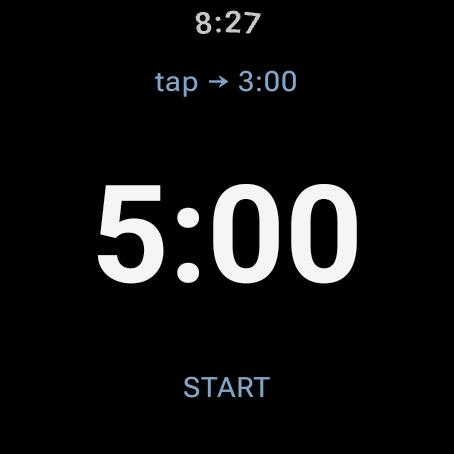
- 5-minute (RRS 26) & 3-minute sequences — toggle with a tap while armed
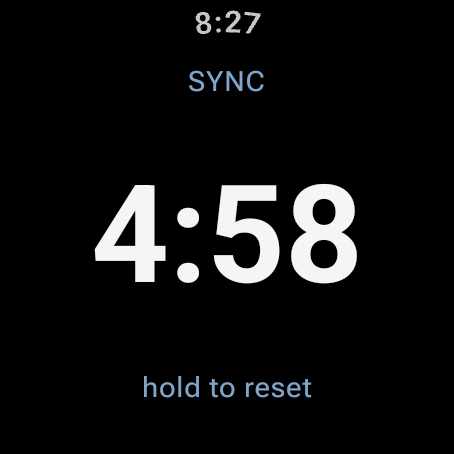
- Sync to nearest minute — tap at any gun: 3:22 → 3:00, 3:40 → 4:00
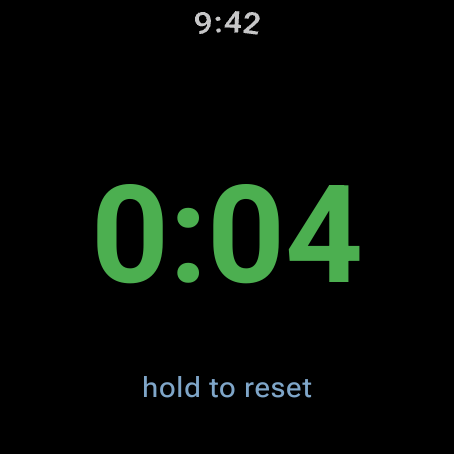
- Automatic count-up after the start for elapsed race time
- Haptic signals — double buzz at 4:00, long buzz at 1:00, ticks through the last 10 s, gun blast at 0:00
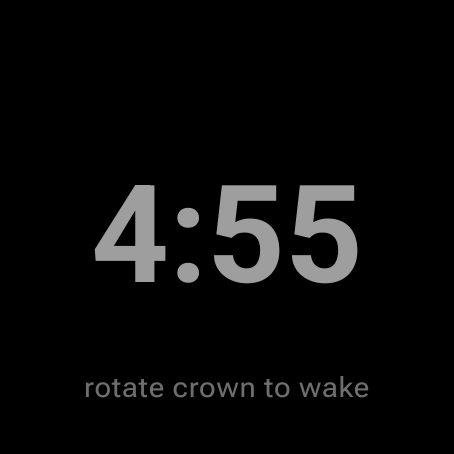
- Wet-proof — countdown, display, and buzzes continue even when water forces ambient mode; half-screen touch targets; reset needs a deliberate long-press
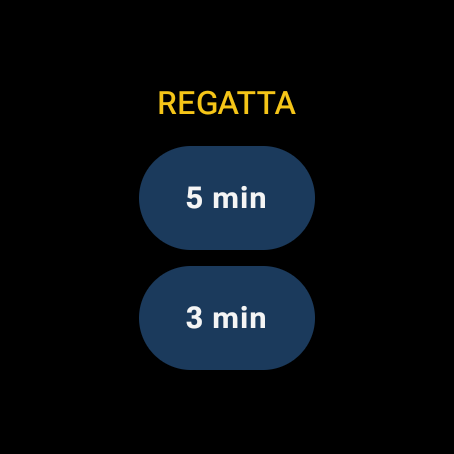
- Quick-launch tile — swipe from the watch face, tap 5 min or 3 min, pre-armed
- Watch-face complication — a ring where the dot is time remaining and one tap starts the last-used sequence, straight from the face
- Survives interruptions — an in-flight countdown or race restores at the correct time even if the app closes or the watch reboots
- Battery guard — an armed timer releases the screen after 10 idle minutes; any tap re-arms it
- Free, no ads, no tracking — GPL open source; no account, no network, no data collection, ~2 MB
- Fully standalone — no phone or companion app required, ever
On the wrist
The tile
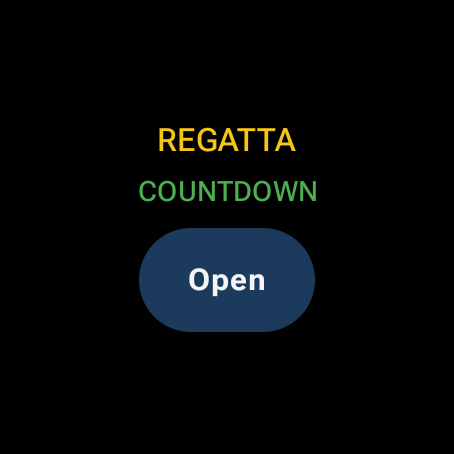
Swipe from the watch face to arm a start in one tap. With a timer in flight, the tile says so instead of offering to arm a new one.
The complication
Put the timer in a watch-face complication slot: a ring where the dot is time remaining, a ticking countdown in the center, and a sailboat at the bottom (on faces that render ranged values, like the Pixel defaults). Armed, it shows the last-used sequence; one tap starts it.
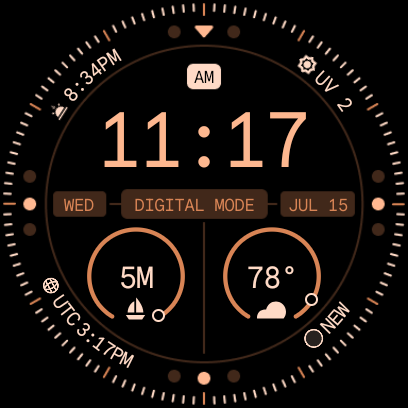
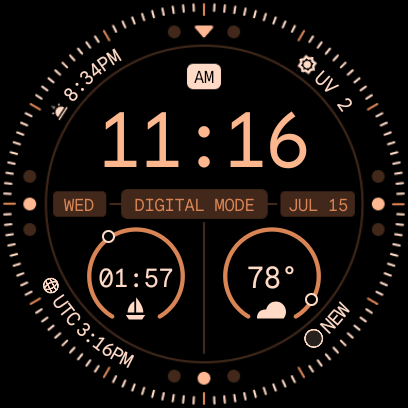
Worth knowing: in always-on display, watch faces refresh complications about once a minute — the countdown on the face can read up to a minute stale until you turn your wrist, identical to the built-in stopwatch complication. Inside the app the countdown stays live to the second, even in ambient.
Install (sideload)
- Download the APK from the latest release.
- On the watch: Settings → System → About → tap Build number ×7, then Developer options → enable ADB debugging + Wireless debugging.
- Pair once:
adb pair <ip>:<pair-port> <code>(from “Pair new device”). - Install:
adb connect <ip>:<port>thenadb install RegattaTimer-v*.apk.
Needs Wear OS 5+. Full instructions in the README.